
How do I manage my client directory?
What it is for
The directory keeps your clients and their addresses: you find them in two letters when scheduling an appointment or filling in a report.
Before you start
Step by step
In Clients, tap New client to create a record, or Import to load an Excel or CSV file. Export downloads the directory as a spreadsheet.
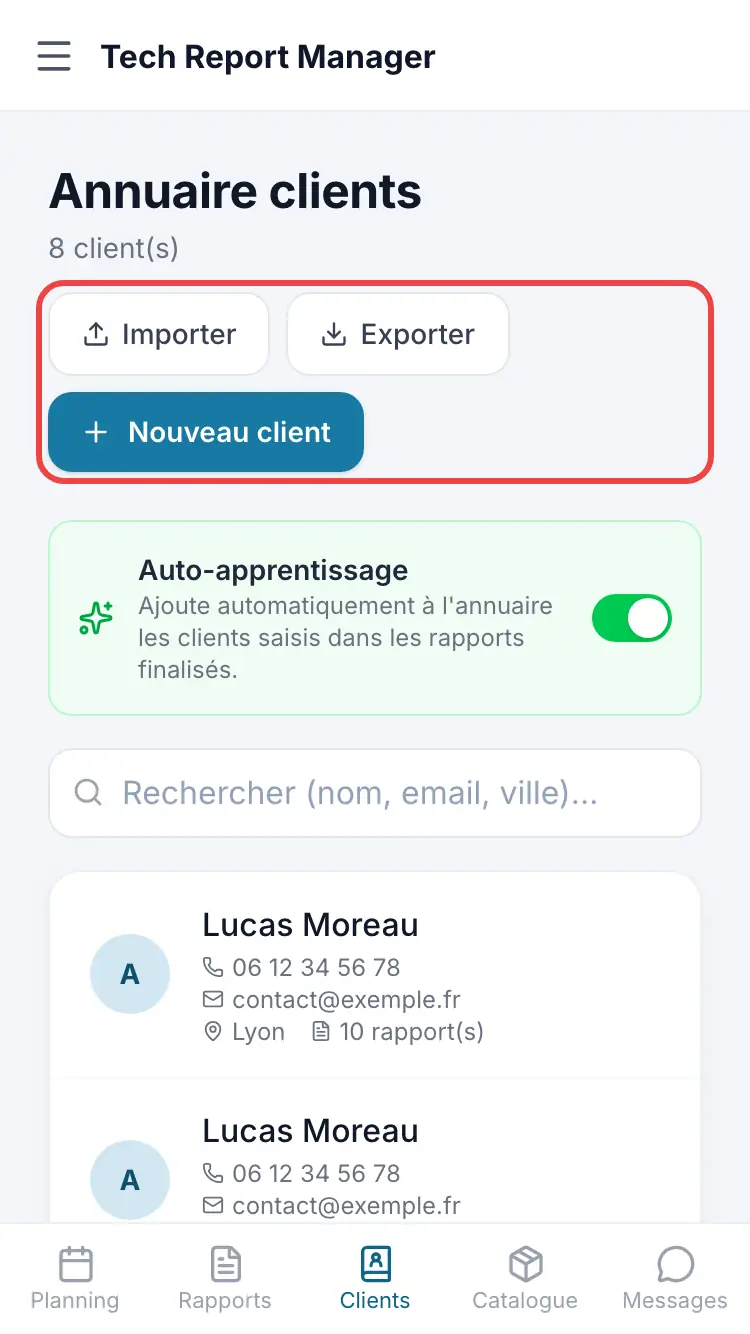
The client directory With Auto-learning turned on, clients entered in finalised reports are added to the directory automatically.
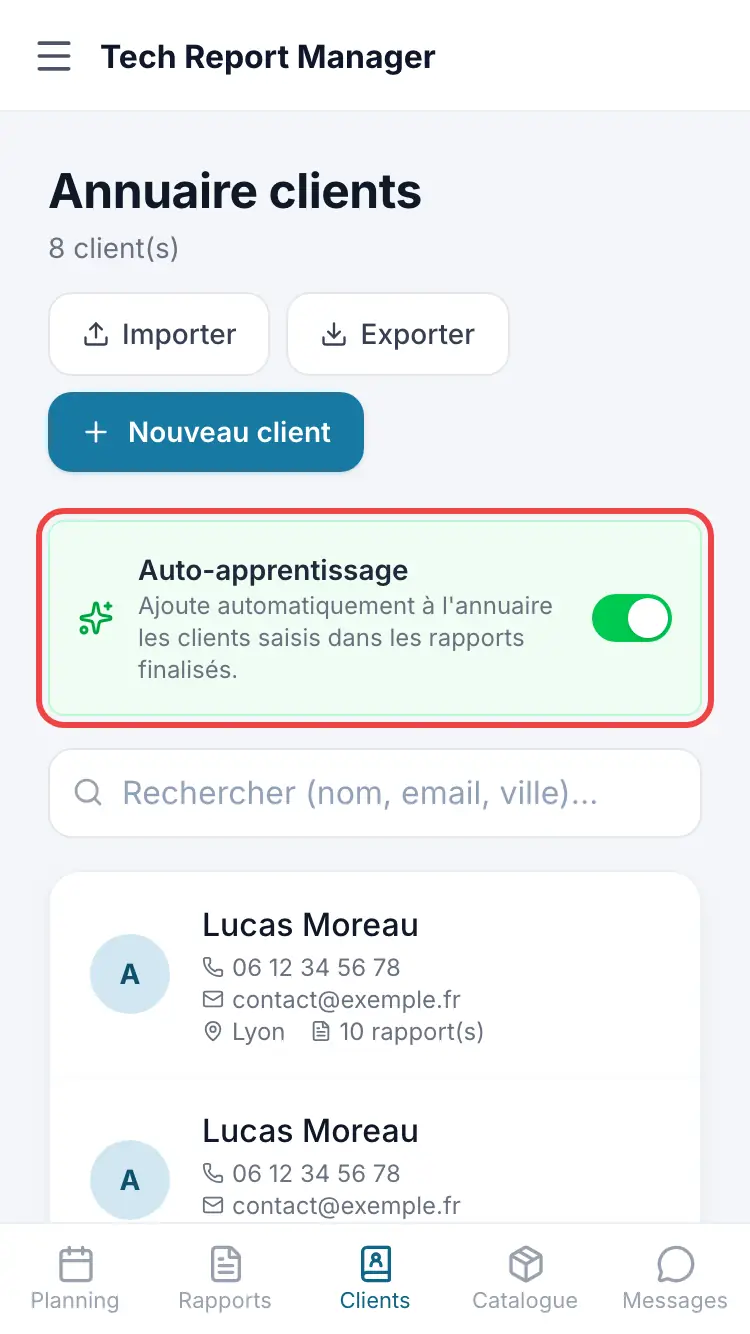
Auto-learning
Good to know
Search covers name, email and town. The internal note on a client record is visible to the team only, never to the client.
Frequently asked questions
Which files can I import?
An Excel or CSV file, or the export from the old Tech Report mobile app.
A client has two addresses (head office and site).
In their record, enter a job address different from the main address.
Related articles
Need help? Our team answers by email: support@tech-report.fr
Screenshots taken on a phone, in French.