
How do I enter quantities and measurements on a phone?
What it is for
In the field, you type with your thumb: quantities are set with buttons big enough for a finger, and measurements open the number pad.
Before you start
Step by step
In the Materials step, set each Quantity with − and +, or type the value in the field. The result is rounded: 0.8 − 0.5 gives 0.3.
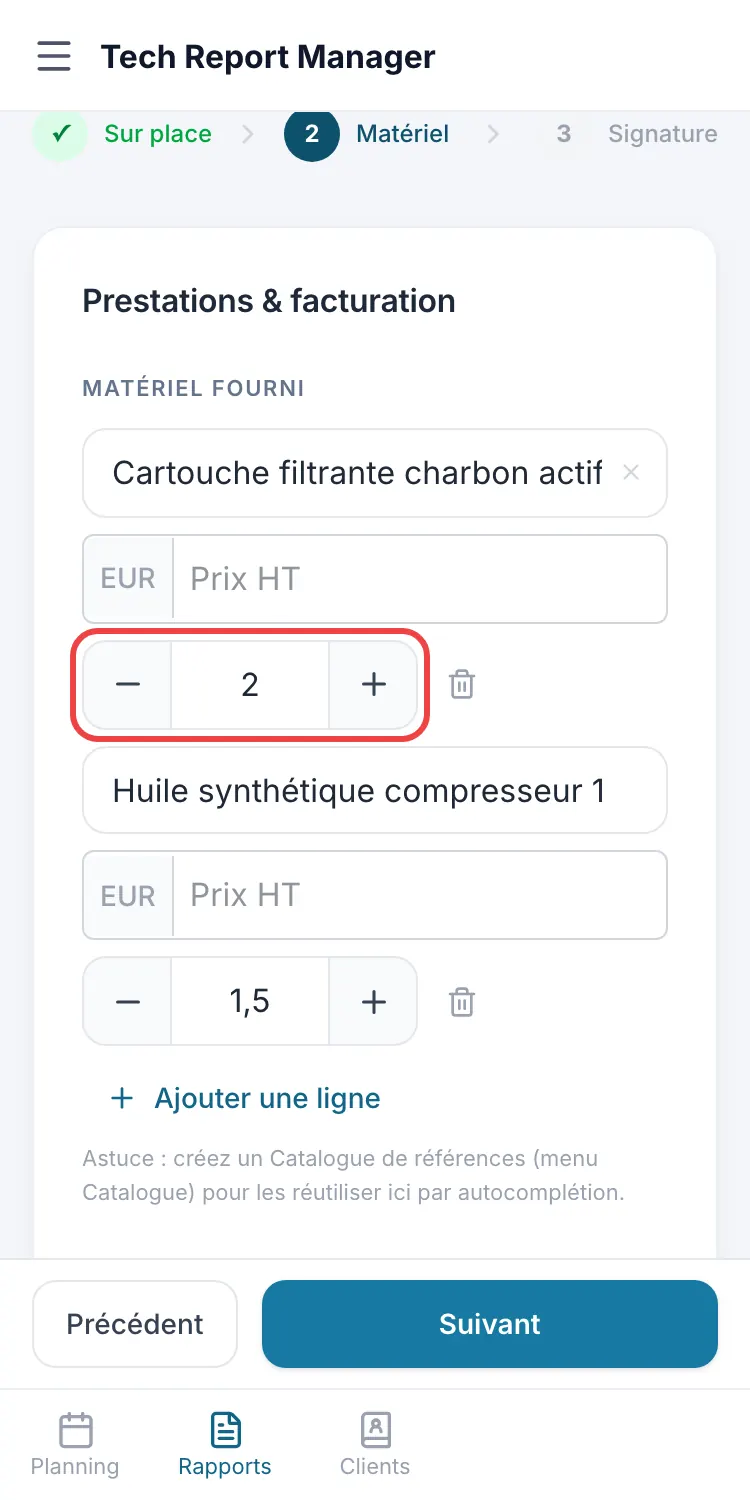
The − and + buttons Number fields (prices, readings) open the number pad with a decimal key: 2.5 or 2,5 are both accepted. Input that cannot be read shows Number expected and keeps the previous value.
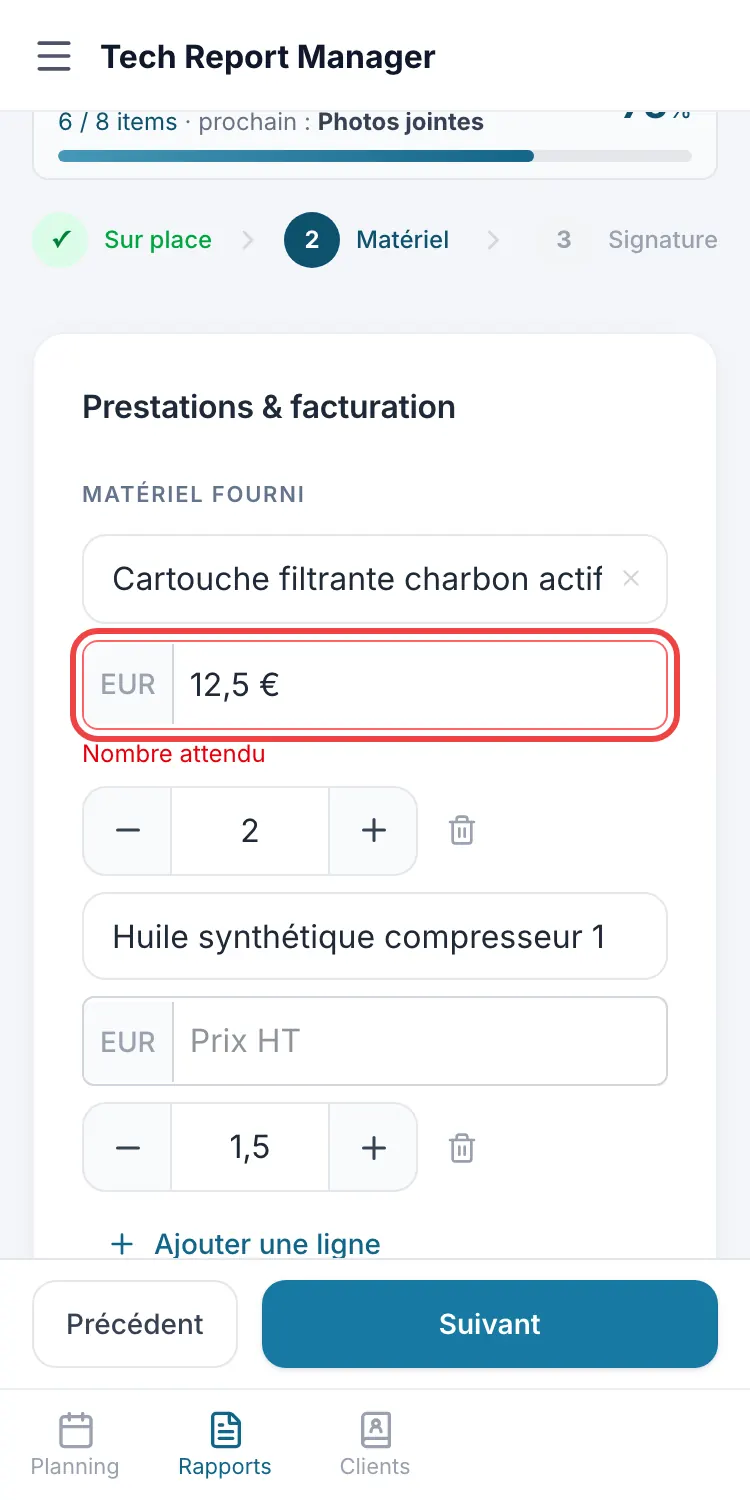
The number pad
Good to know
The iPhone number pad has no minus key: a reading whose limit allows a negative value opens the text keyboard (123 key for numbers).
Frequently asked questions
Where have the arrows in number fields gone?
They were too small for a finger: quantities have − and + buttons, and other numbers are typed on the number pad.
Can a table column be negative on a phone?
Not with the iPhone number pad: columns have no limit, so they keep the number pad, without a minus key.
Related articles
Need help? Our team answers by email: support@tech-report.fr
Screenshots taken on a phone, in French.