
How do I prepare an invoice from a report?
What it is for
The invoice takes the lines from the report. You check it, approve it, then send it to your invoicing tool or export it.
Before you start
Step by step
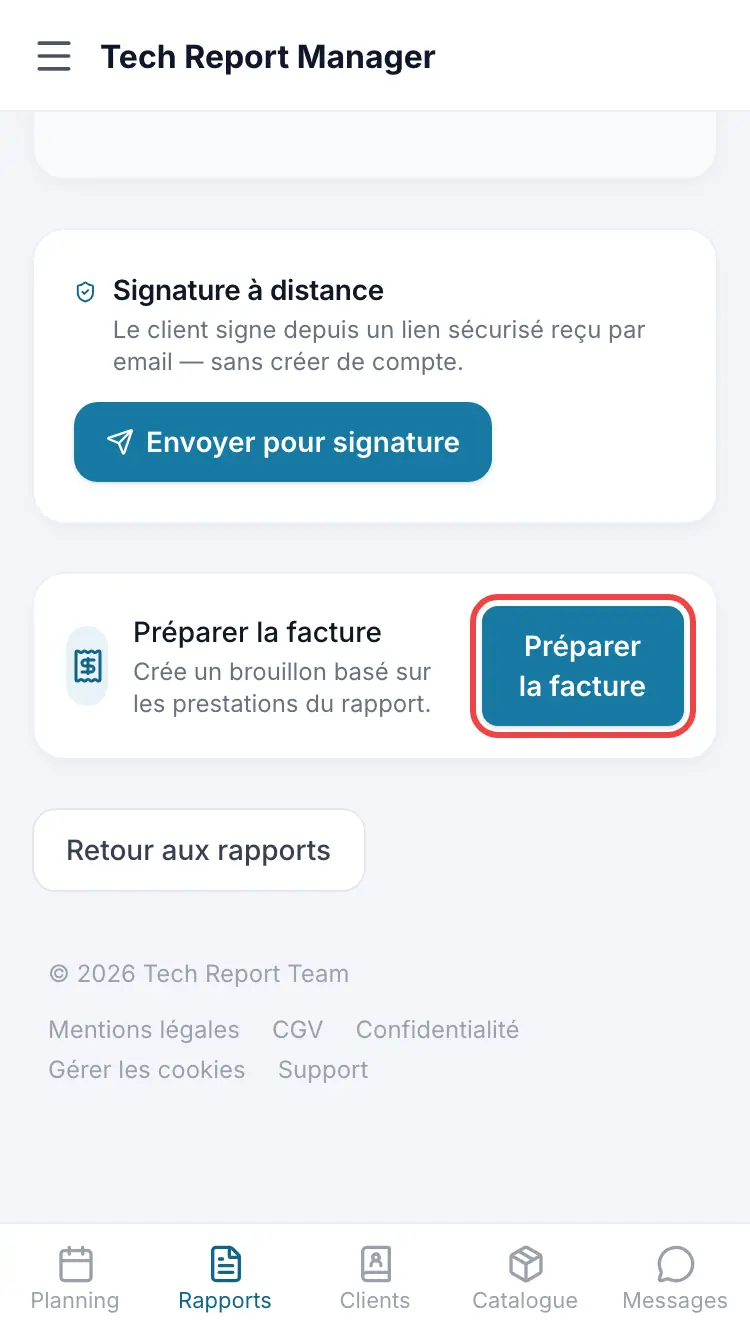
On a finalised report, tap Prepare the invoice. The invoice appears in Invoices as a draft: correct the lines, then Validate invoice and Send to my tool.
Invoices
Good to know
The invoice only goes to your tool when you tap Send to my tool, after approval. Nothing is sent when the report is finalised.
Frequently asked questions
I can't see the Invoices entry.
Turn on Enable billing management in Settings, Billing & Preferences section.
Sending to my tool fails.
Check the connection in Connections, Billing tool card, with Test the connection.
Related articles
Need help? Our team answers by email: support@tech-report.fr
Screenshots taken on a phone, in French.