
How do I copy my reports to Google Drive, Dropbox, a NAS or S3?
What it is for
External storage copies each finalised report into your own space: you remain the owner of your archives.
Before you start
Step by step
In Connections, open the External storage card. Choose your provider (NAS / Company server, S3 / compatible, Google Drive or Dropbox) and follow the Guided assistant.
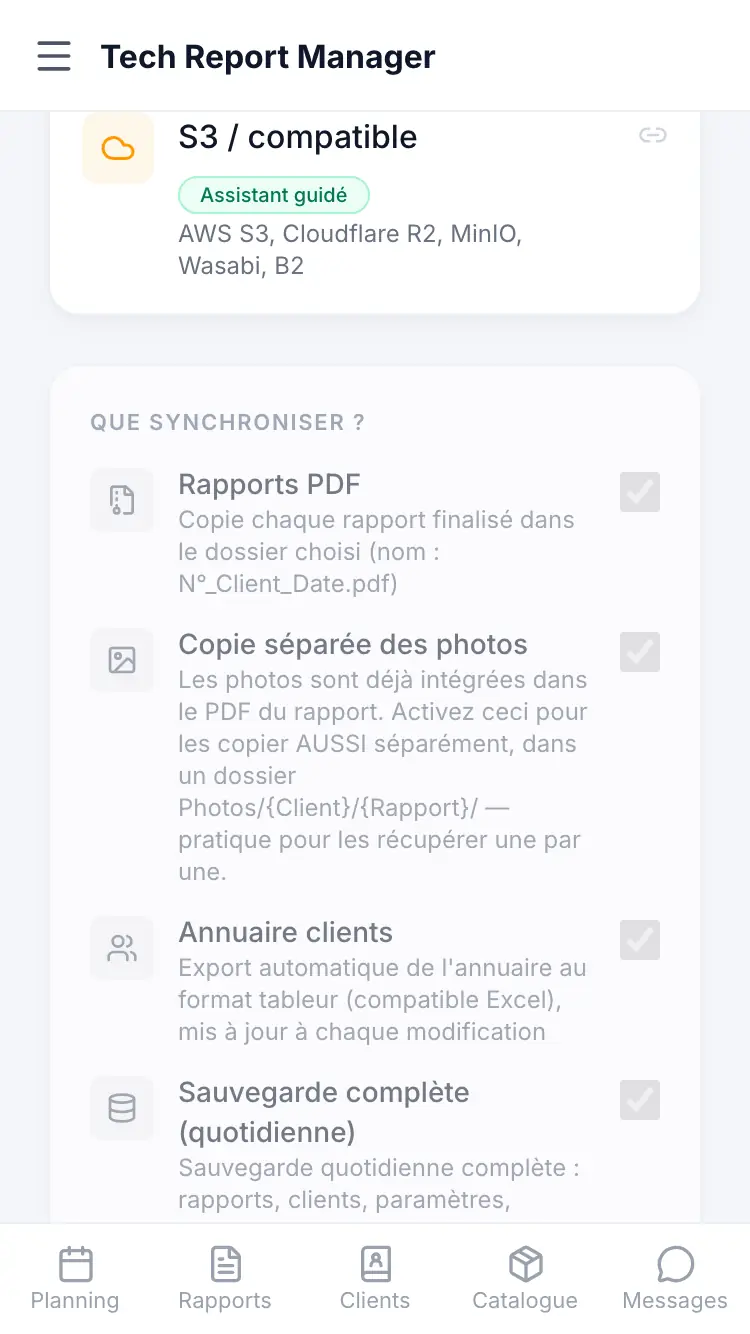
Storage providers
Good to know
Without external storage, your PDFs are hosted by us within a limit of 30 reports in total, and a report accepts 30 photos. Connecting storage lifts these limits.
Frequently asked questions
When does the copy happen?
Automatically, each time a report is finalised.
Are photos copied?
They are in the PDF. The Separate photo copy option also copies them separately.
What if I disconnect the storage?
Files already copied are not deleted.
Related articles
Need help? Our team answers by email: support@tech-report.fr
Screenshots taken on a phone, in French.