
How do I change my name or delete my account?
What it is for
The profile shows your name, email and role. Your name appears on the reports you sign.
Before you start
Step by step
In Settings, My Profile section, a manager edits the Display Name then taps Save.
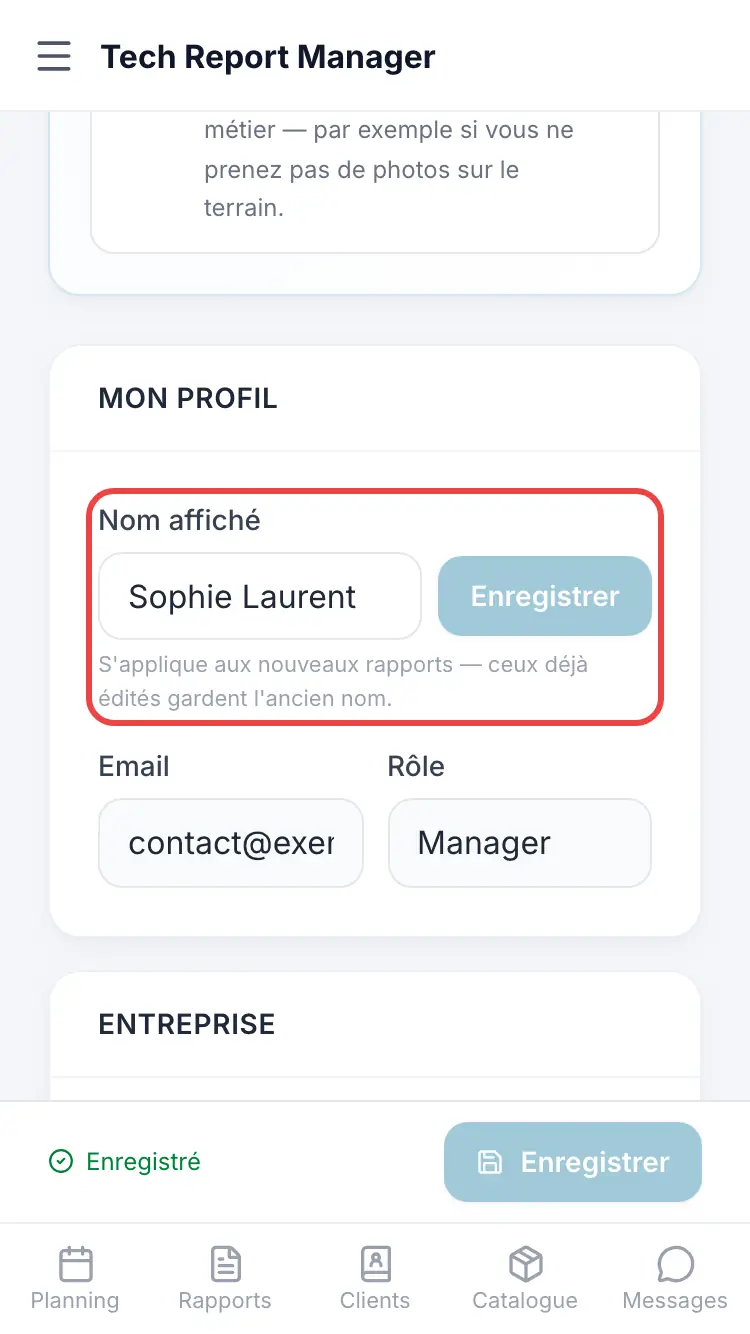
The profile in Settings
Good to know
A new name applies to new reports; reports already produced keep the old name.
Frequently asked questions
I'm a technician and I can't change my name.
That's normal: ask your team's manager.
How do I delete my account?
In Settings, Danger zone section, Delete my account, then type the requested word to confirm. Your reports stay within the company.
Related articles
Need help? Our team answers by email: support@tech-report.fr
Screenshots taken on a phone, in French.