
How do I open my route for the day?
What it is for
The day's route sends all of the day's addresses to Google Maps, stop by stop, to plan your round.
Before you start
Step by step
In Day view, tap Route for the day. Google Maps opens with the day's addresses as stops. For a single appointment, the Directions button in its details is enough.
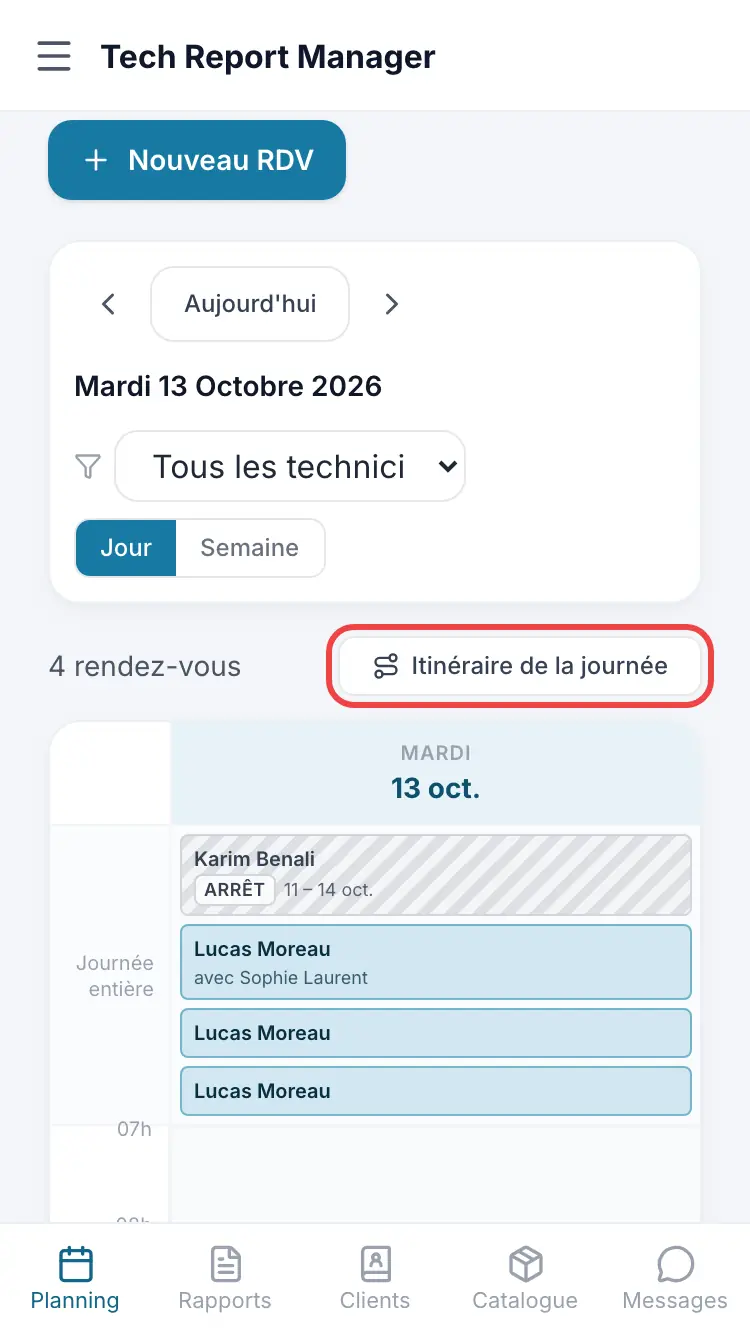
The Route for the day button
Good to know
Stops follow the schedule order, with no route optimisation. Appointments without an address are skipped.
Frequently asked questions
The button doesn't appear.
None of the day's appointments has an address: add the address in the appointment details.
Can I use Waze?
The button opens Google Maps. From an appointment's details, the address stays visible so you can copy it elsewhere.
Related articles
Need help? Our team answers by email: support@tech-report.fr
Screenshots taken on a phone, in French.