
How do I put my logo and colour on reports?
What it is for
Branding gives your PDFs your company's image: layout style, logo, main colour and footer.
Before you start
Step by step
In Customization, open Report logo and color. Choose the Report Style: Classic, Modern or Minimalist.
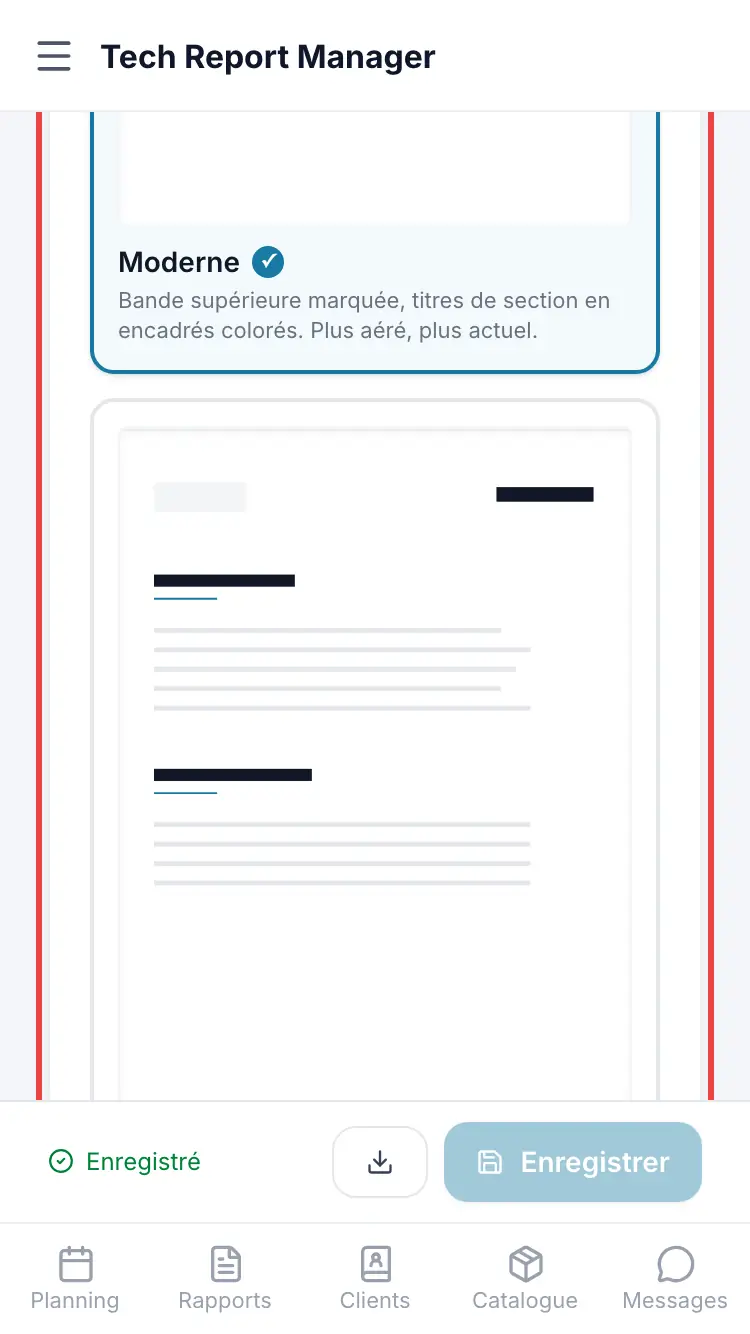
The report style Add the Your Company Logo with Choose a file, set the Main Report Color and the Footer Text. Download a sample PDF shows the result.
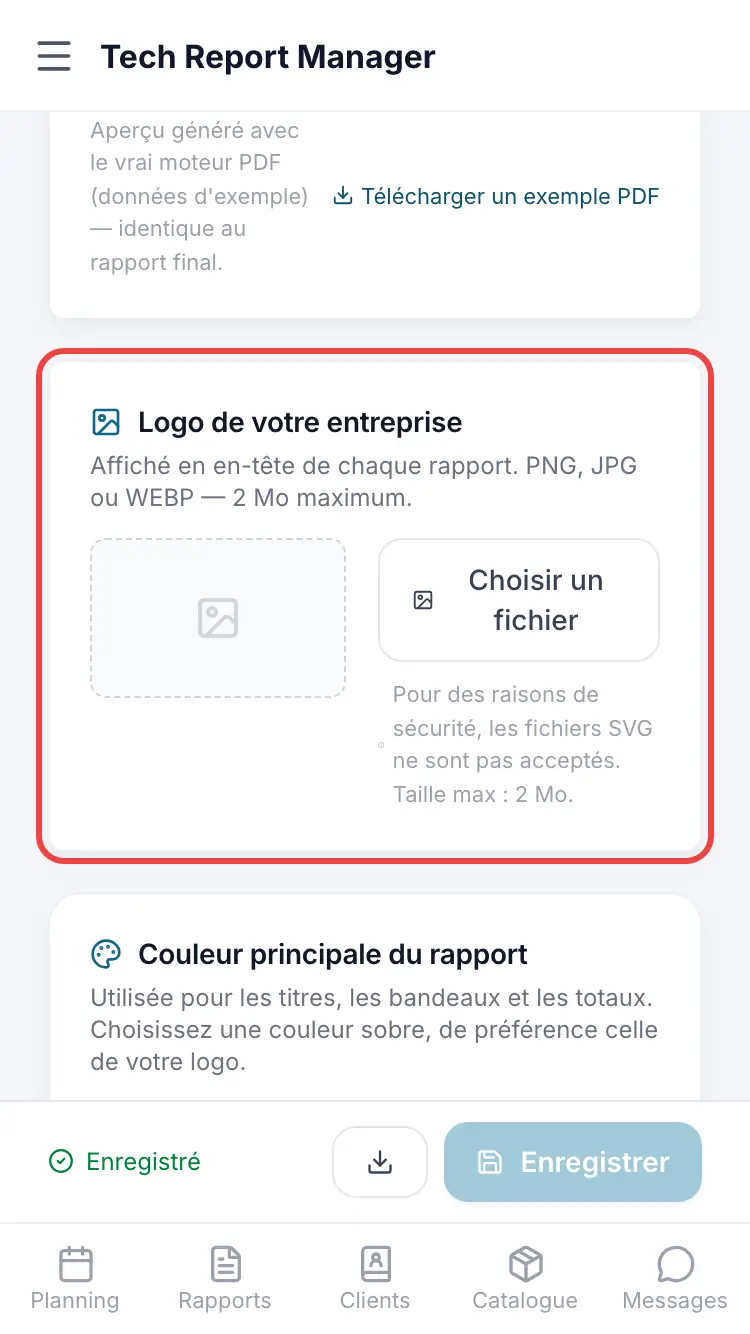
Logo, colour and footer
Good to know
On the same page, the Document language sets the language of the PDF and of the emails sent to your clients (French, English, German or Spanish), independently of the app language.
Frequently asked questions
The footer is empty.
With no text entered, your company name is shown.
Which languages are documents available in?
French, English, German and Spanish.
Related articles
Need help? Our team answers by email: support@tech-report.fr
Screenshots taken on a phone, in French.