
How do I show only the date on the report?
What it is for
Depending on your trade, the report shows start and end times, a duration, or just the date.
Before you start
Step by step
In Settings, Reports section, choose the Time format: Date + start and end time, Date + duration or Date only.
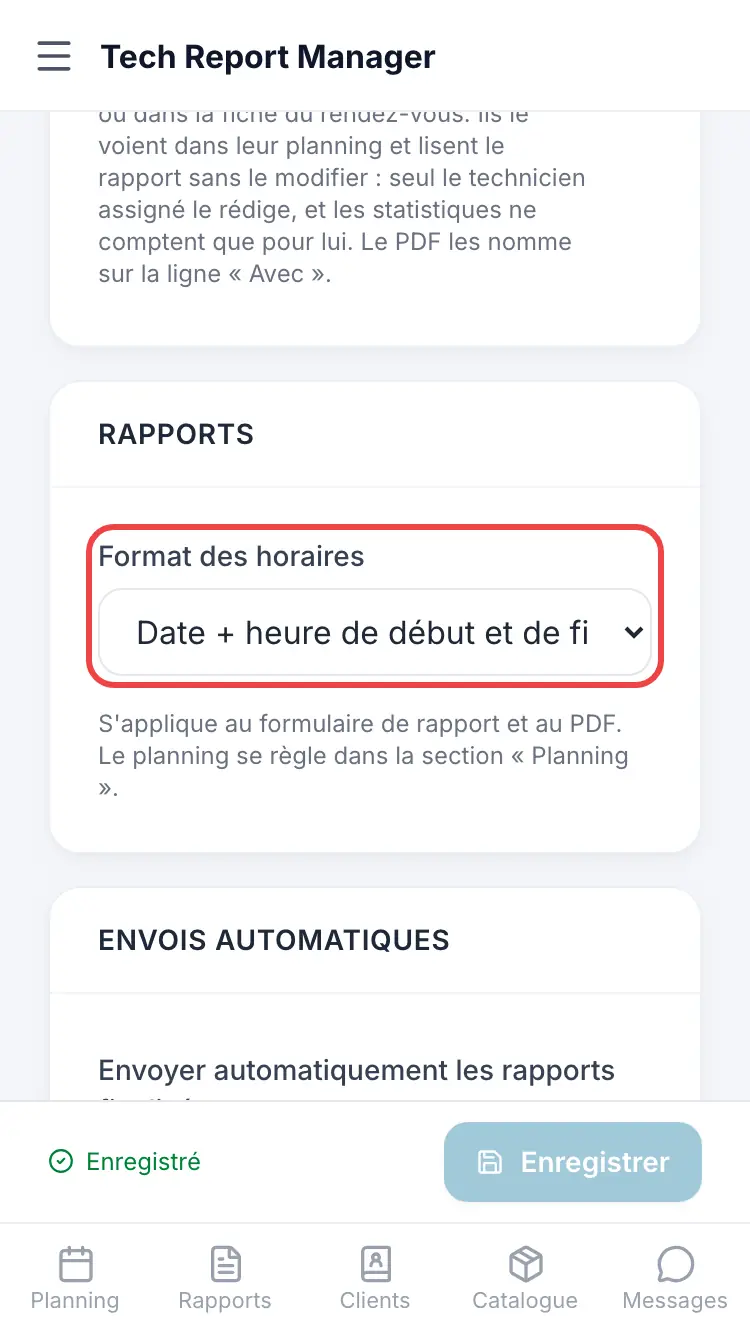
The time format
Good to know
This setting applies to the report form and the PDF, not to appointments: the schedule is set in the Schedule section.
Frequently asked questions
I chose “Date only” but the appointment still asks for a time.
That's normal: the appointment form follows the Scheduling mode. To schedule without a time, choose By day.
Related articles
Need help? Our team answers by email: support@tech-report.fr
Screenshots taken on a phone, in French.