
How do I create my account and my company?
What it is for
Creating the account opens your company's space: you are its first manager, then you invite your technicians. The free trial starts straight away, with no credit card.
Before you start
Step by step
On tech-report-manager.com, open the sign-up page. Fill in Company name, Your name, Professional email, then choose a Password (at least 8 characters) and confirm it.
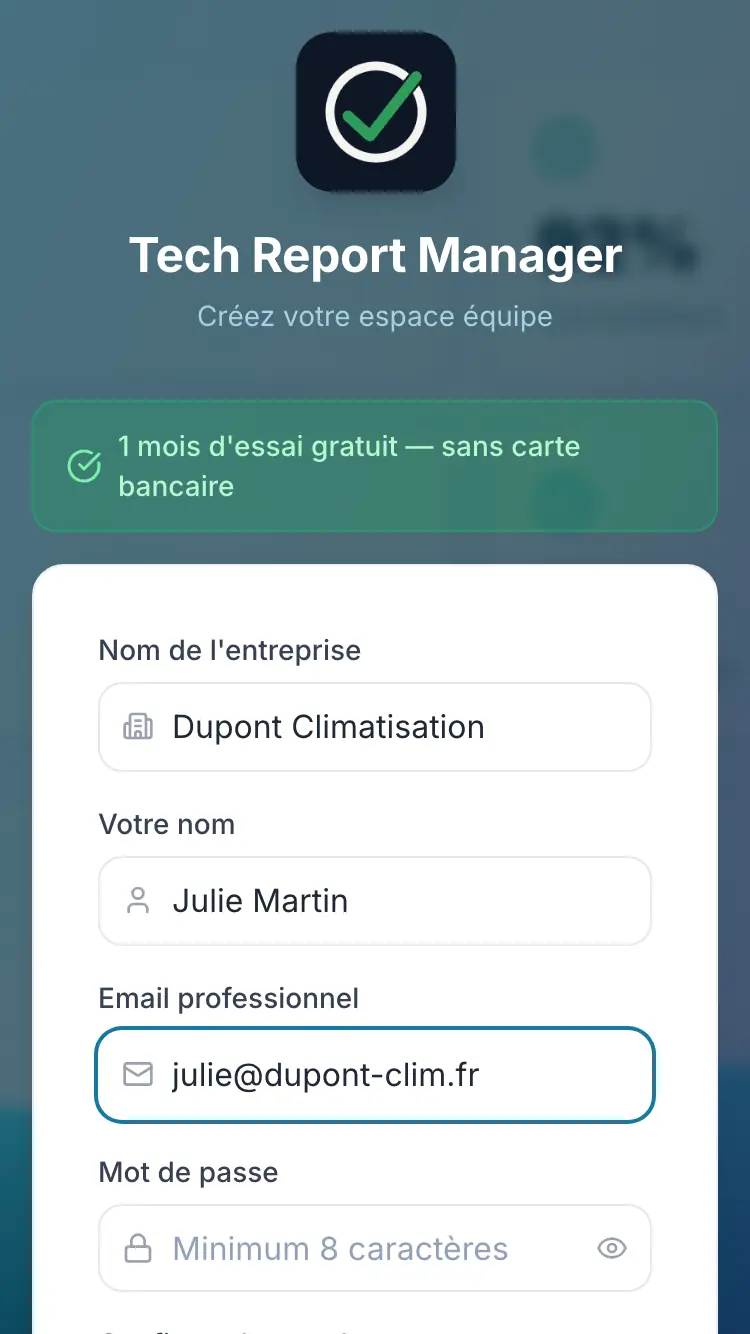
The sign-up form Tap Create my team for free. Your space opens directly on the dashboard.
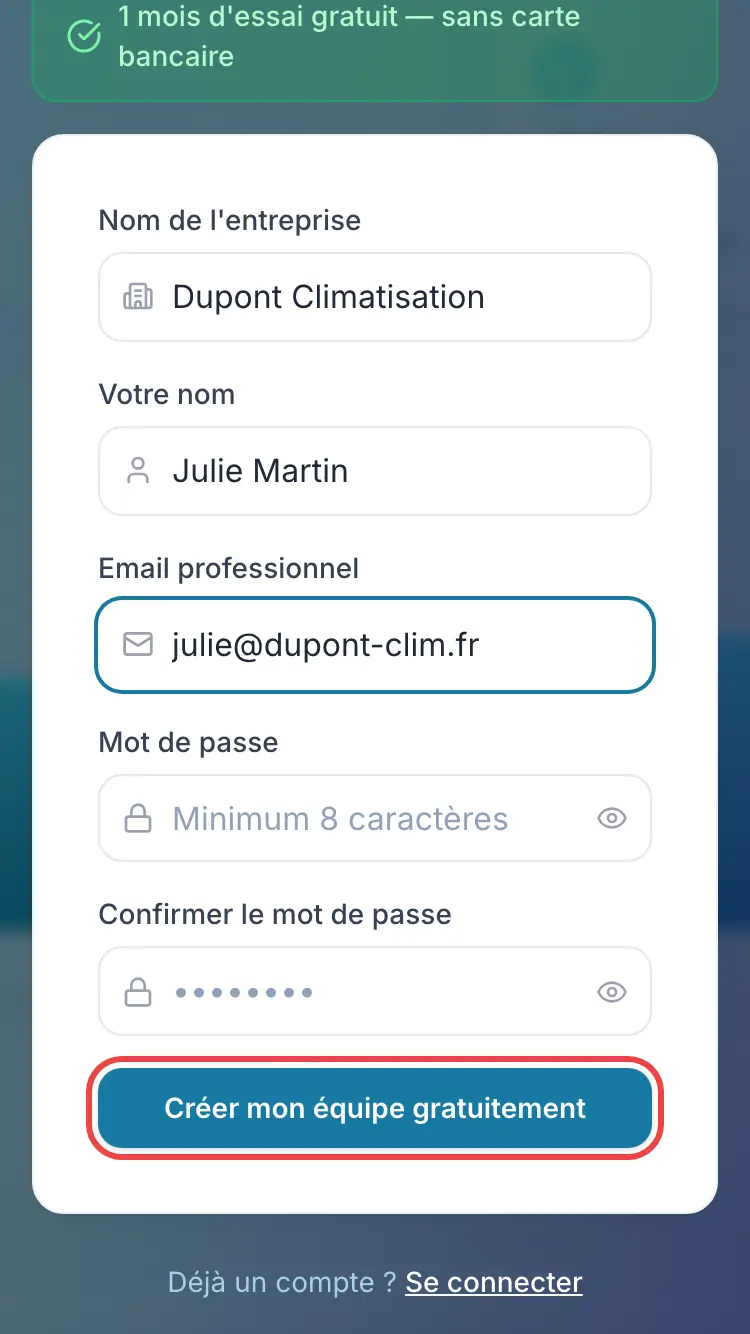
The account creation button
Good to know
Your PDFs and the emails sent to your clients use the interface language at sign-up if it is French, English, German or Spanish, otherwise French. You can change it later in Customization, Report logo and color card, Document language setting.
Frequently asked questions
The site says my email already has an account. What should I do?
An address can only belong to one account. Sign in with Sign in, use Forgot password? if needed, or sign up with another address.
Do I need a SIRET number to get started?
No. SIRET, VAT and other legal details are optional: you add them later in Settings, Company section.
Will I be asked for a credit card?
No, the trial starts without a credit card. See the article on the free trial.
Related articles
Need help? Our team answers by email: support@tech-report.fr
Screenshots taken on a phone, in French.