
How do I add or remove a seat?
What it is for
A new hire, a departure: adjust the number of seats in your subscription whenever you like.
Before you start
Step by step
In Subscription, at the question How many technicians?, use Add one technician or Remove one technician. The new monthly amount is shown; confirm with Update my subscription.
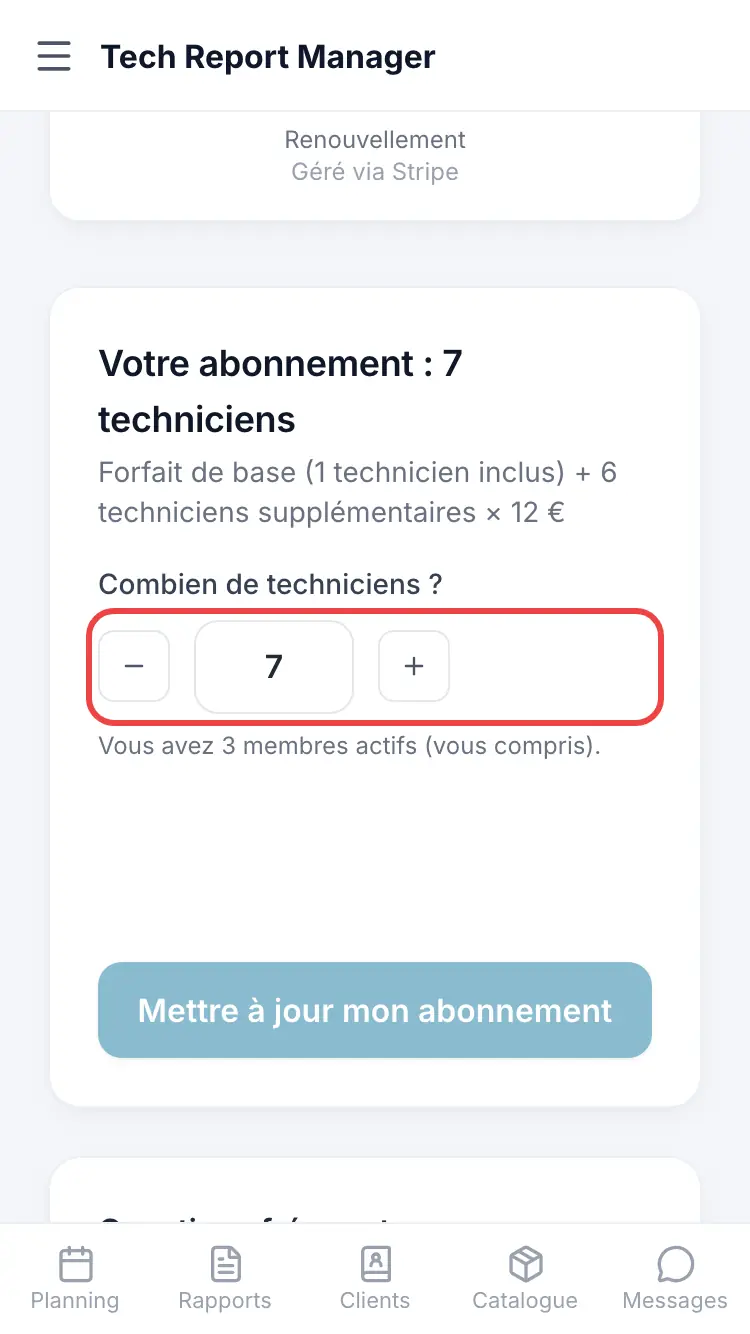
Setting the number of technicians
Good to know
You cannot go below the number of active members: remove members from Team first. Removing a member from the team deletes them permanently.
Frequently asked questions
How is a seat added mid-month billed?
Pro rata: the difference appears on your next invoice.
My payment is overdue and I can't change anything.
Settle your payment first from Manage billing.
Does a blocked member regain access when I add a seat?
Yes, automatically.
Related articles
Need help? Our team answers by email: support@tech-report.fr
Screenshots taken on a phone, in French.